
One player for all your music.
Muliber plays your music from your phone, your home server and the cloud and brings it together in one library: albums, artists, covers and lyrics. Internet radio too. Free, no ads, no account needed to listen.
- Where it plays from
- Phone, SD card and USBmusic files on your device
- Media serversJellyfin, Emby, Navidrome and other Subsonic servers, DLNA
- NAS and network foldersWindows shares, Nextcloud, WebDAV
- Cloud storageDropbox, Yandex Disk, Cloud Mail.ru
- BitTorrentInternet Archive netlabels, your own magnet links and .torrent files
- Music from a linktracks and ZIP archives from a direct link
- Internet radiotens of thousands of stations from all over the world
The music you kept deserves better than a file manager.
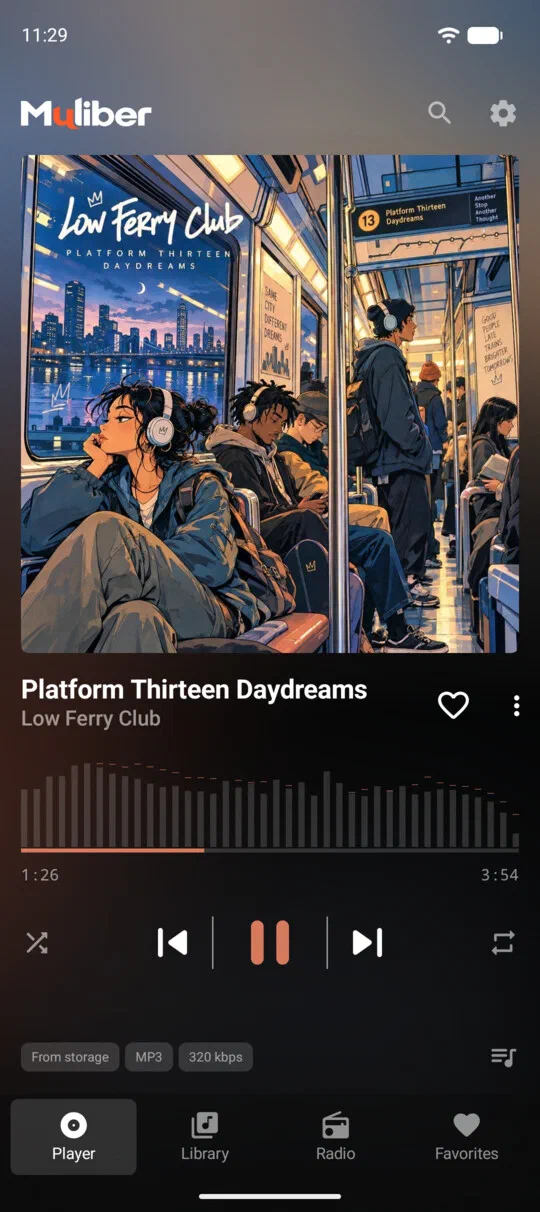
Muliber shows albums and artists, not folders. Open an artist and you see all their albums, whichever folder they sit in. Albums and artists come from the tags in your files; covers and lyrics are found for you. Your files stay where you keep them, exactly as they were.


Four copies, one album.
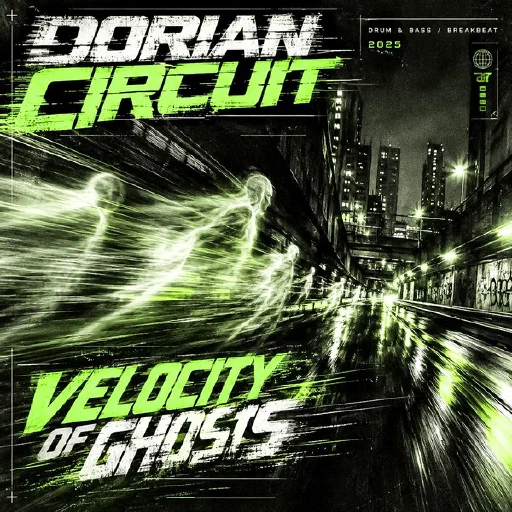
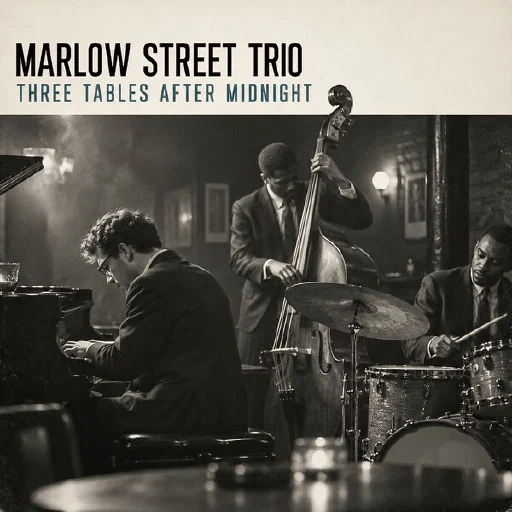
If the same recording sits in several connected sources, the library shows it once. When one of them is out of reach, like your home server while you're away, Muliber plays the copy from another. You don't pick where it plays from, you just press Play.

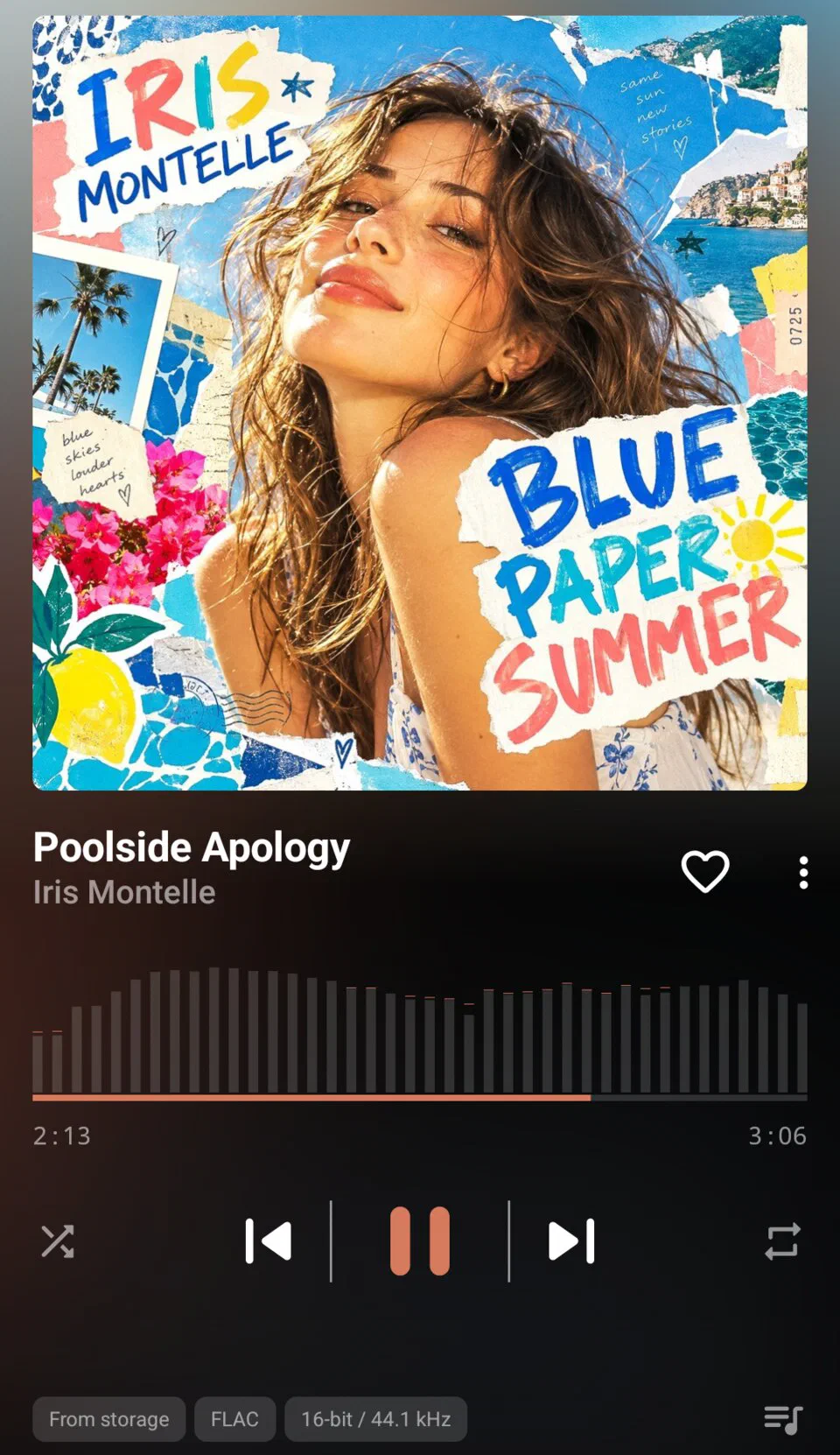
Lossless, an equalizer and albums without gaps.
Lossless and hi-resFLAC and other lossless files play bit for bit, up to hi-res.
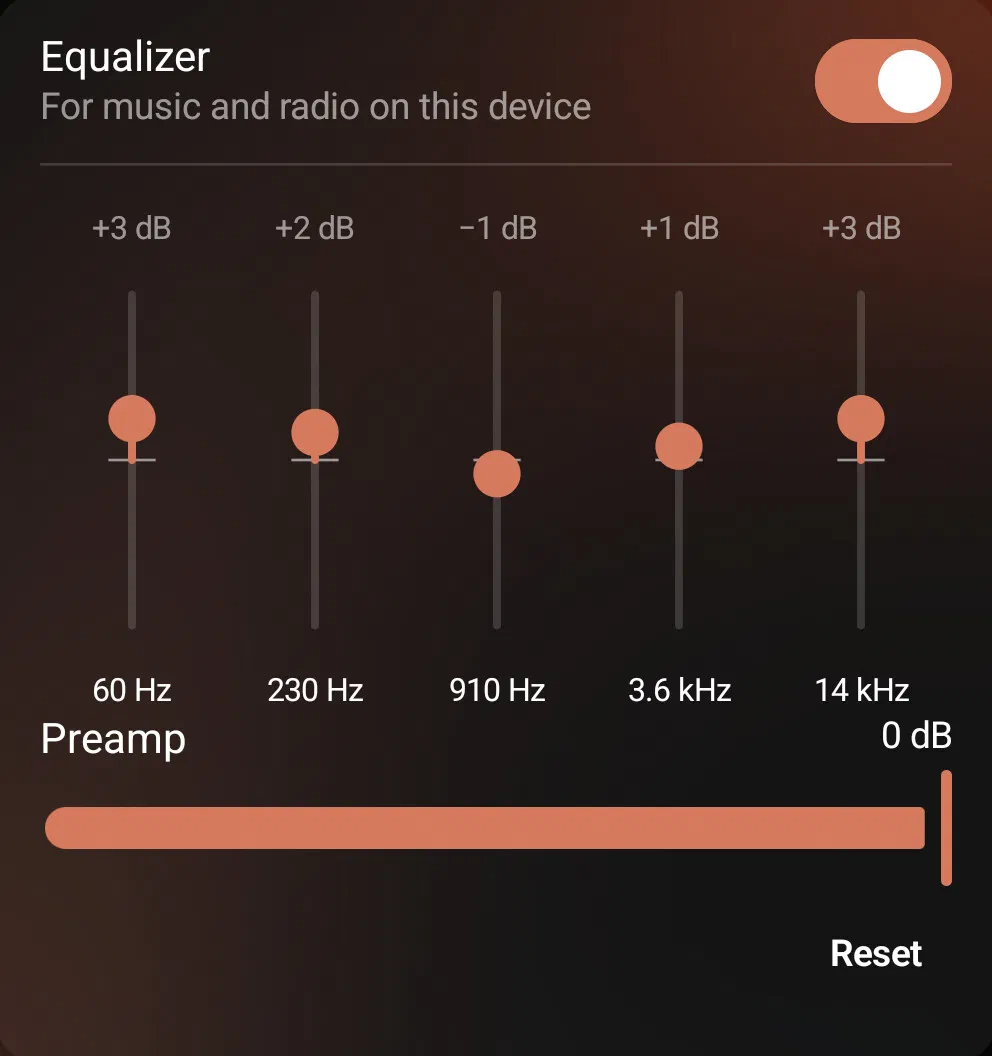
EqualizerTunes the sound to your headphones.
Albums without gapsTracks of one album play without a pause between them, like on the disc, and crossfade blends one song into the next.
Listen without a network.
CacheWhile a track plays, Muliber keeps a copy, so listening again doesn't use your data. Newer tracks push older ones out. You can clear the cache any time or turn it off for any storage you connect.
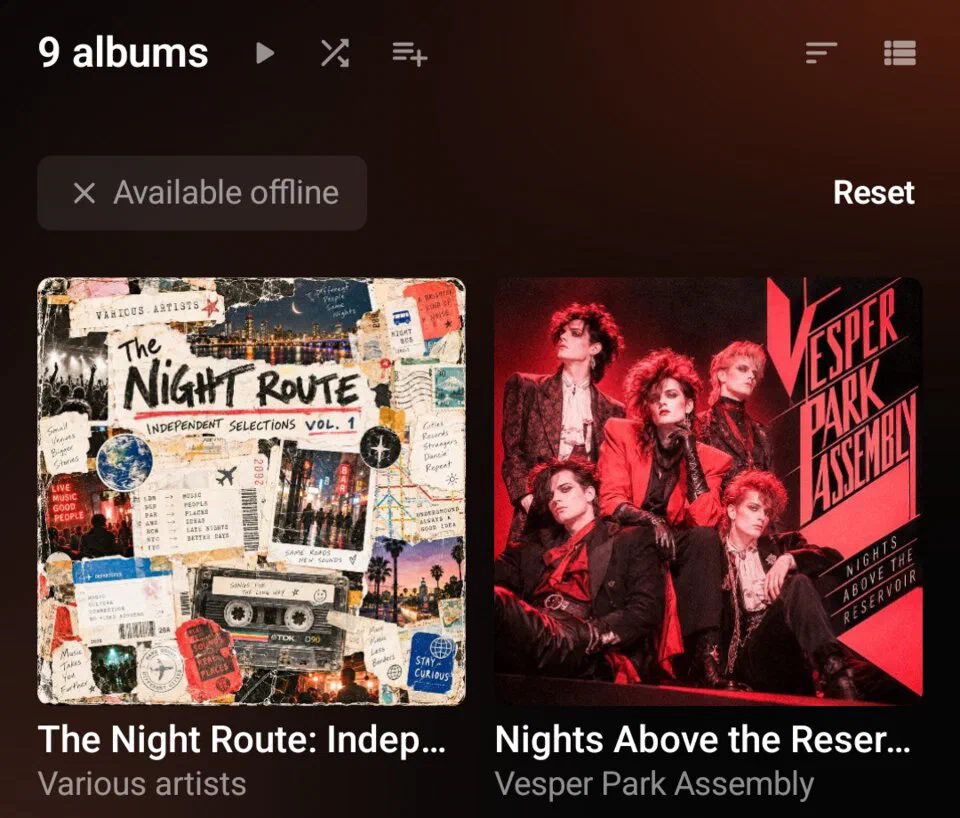
SavedSave an album or a song to your phone to keep it for good. The library shows everything that plays without a network.


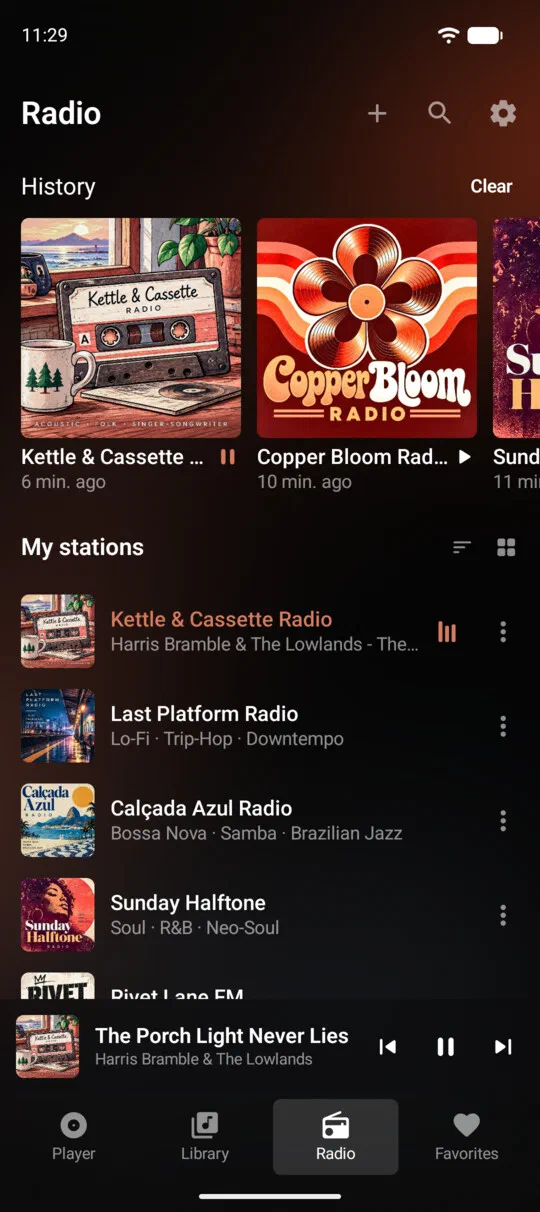
Tens of thousands of stations by genre, country and language.
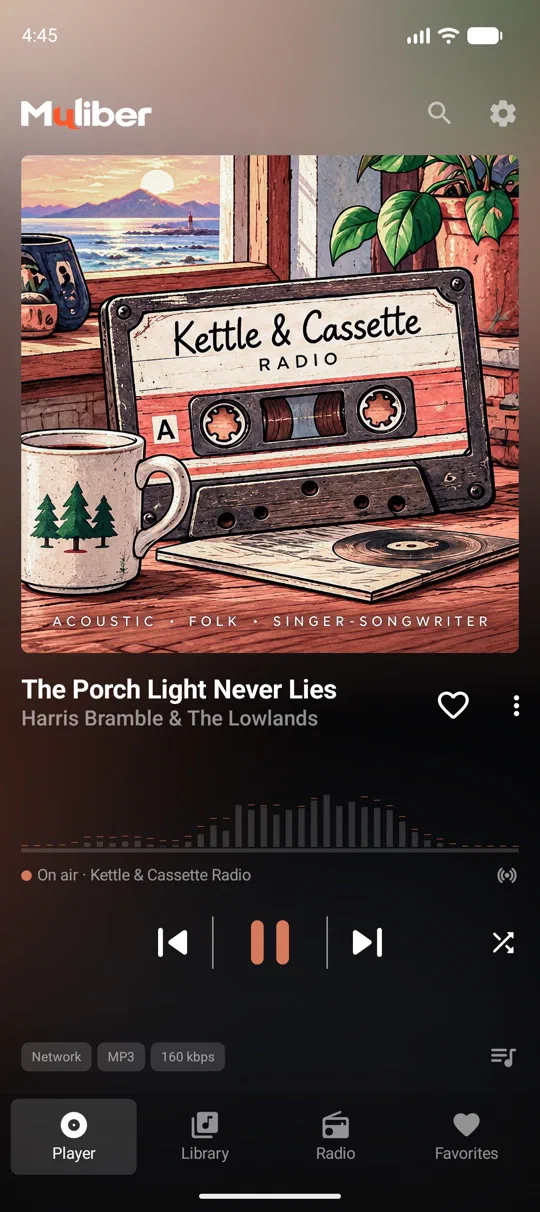
Search stations by name or add your own by its link. Keep the ones you like in Favorites. The player shows the song on air when the station sends it, and your history keeps what you listened to. Some stations may not play where you are: it depends on your country, your network and the station itself.
- Pop
- Rock
- Hip-hop
- Jazz
- Classical
- Electronic
- House
- Trance
- Drum and bass
- Techno
- Ambient
- Lo-fi
- Indie
- Metal
- News
- and many more
Only what you use.
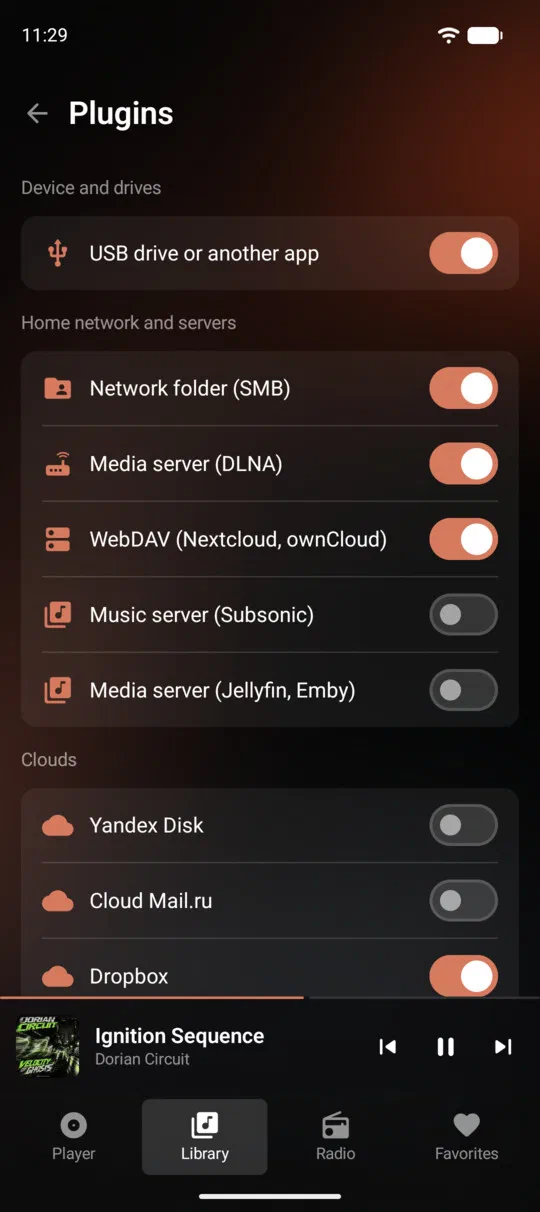
Radio, cloud storage, servers and BitTorrent come to Muliber as plugins. Don't listen to radio or use a cloud? Turn them off in settings: they disappear from menus and tabs and stop working in the background. Turn them back on and everything is as it was, with nothing to set up again.
Everything for your music is free.
No limits on musicLossless, offline listening, saving to your phone, the equalizer, radio and every source work from day one. It's not a trial, and none of it will become paid.
Open it and listenNo sign-up, no ads between tracks, no pop-ups pushing you to buy something.
Your music stays yoursFiles stay in your storage, and nothing is uploaded to Muliber. Passwords for your connections are kept only on your phone.
Your collection is already there. Just press Play.